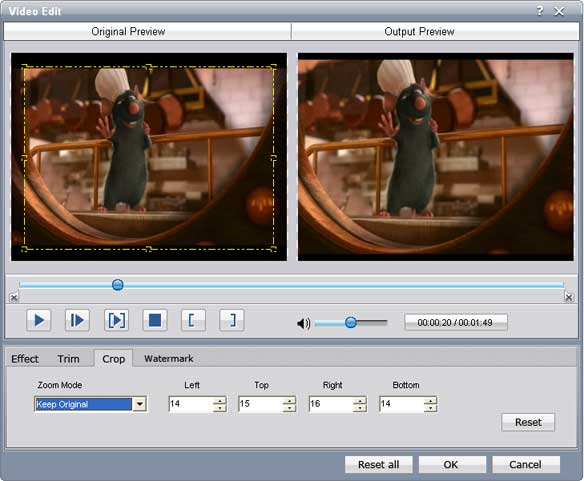
Step1: Crop – Click the “Crop” button to cut off the black edges, in this way you will enjoy your movies in a full screen;
Tips: Move your mouse cursor to a box on the frame around the video, and drag the frame to crop your video. Or you can choose a crop option from 'No Crop, Cut off top and bottom black edges, Cut off top black edge, Cut off bottom black edge, Cut off left and right black edges and Cut off all black edges, etc.”
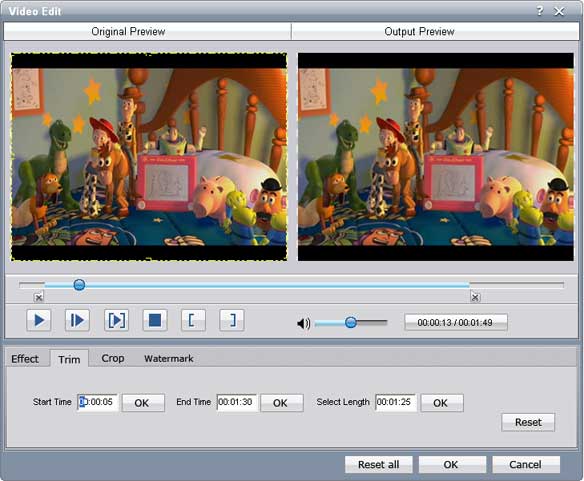
Step2. Trim - As you have selected the clips to convert, here you can trim any segment of your clips to convert by clicking the 'Trim' button.